Digital Printing Company: File Formats, Materials, and Artwork Setup Guide
Choosing a digital printing company affects how your brand looks, how fast you get your materials, and whether your files print the way you designed them. Businesses across Knoxville, TN, submit artwork every day only to face delays or reprints because files were not set up correctly or the wrong material was chosen. This guide covers accepted file formats, common material types, artwork prep, and the mistakes that slow down production.
What File Formats Does a Digital Printing Company Accept?
Most print providers accept a standard set of file formats, but not all are equal in quality. Knowing which to use before you submit saves time and prevents reprints.
Vector Files Are the Preferred Choice
Vector files such as AI (Adobe Illustrator) and EPS formats are built from mathematical paths rather than pixels, so they scale to any size without losing sharpness. If you have a logo or line-based artwork, submitting it as a vector file is almost always the right move.
PDF Files for Print-Ready Layouts
A properly exported PDF is one of the most widely accepted formats at any digital printing company. Use the "Press Quality" or "PDF/X-1a" preset in your design software to embed fonts, preserve color profiles, and ensure your layout arrives as intended.
PNG and Raster Files
PNG files work well for photos or artwork with transparency, but must be exported at a minimum of 300 DPI at the actual print size. A PNG that looks sharp on screen may print blurry if saved at 72 DPI, which is standard for web use.
Quick format reference:
- AI and EPS files are best for logos and vector-based graphics.
- PDF (Press Quality) files are ideal for full layouts, brochures, and cards.
- PNG and TIFF files at 300 DPI or higher work for photo-heavy designs.
- JPEG files are acceptable but should be saved at maximum quality settings.
- RGB files should be converted to CMYK before submission for accurate color output.
What Materials Can a Digital Printing Company Print On?
The substrate plays a major role in how the finished piece looks and how long it lasts.
Paper Stocks
Standard paper stocks range from lightweight text-weight sheets to heavy cardstock. Gloss coatings make colors pop, while matte finishes reduce glare. Business cards, brochures, and flyers typically use stocks between 80 lb. and 130 lb.
Vinyl and Adhesive Materials
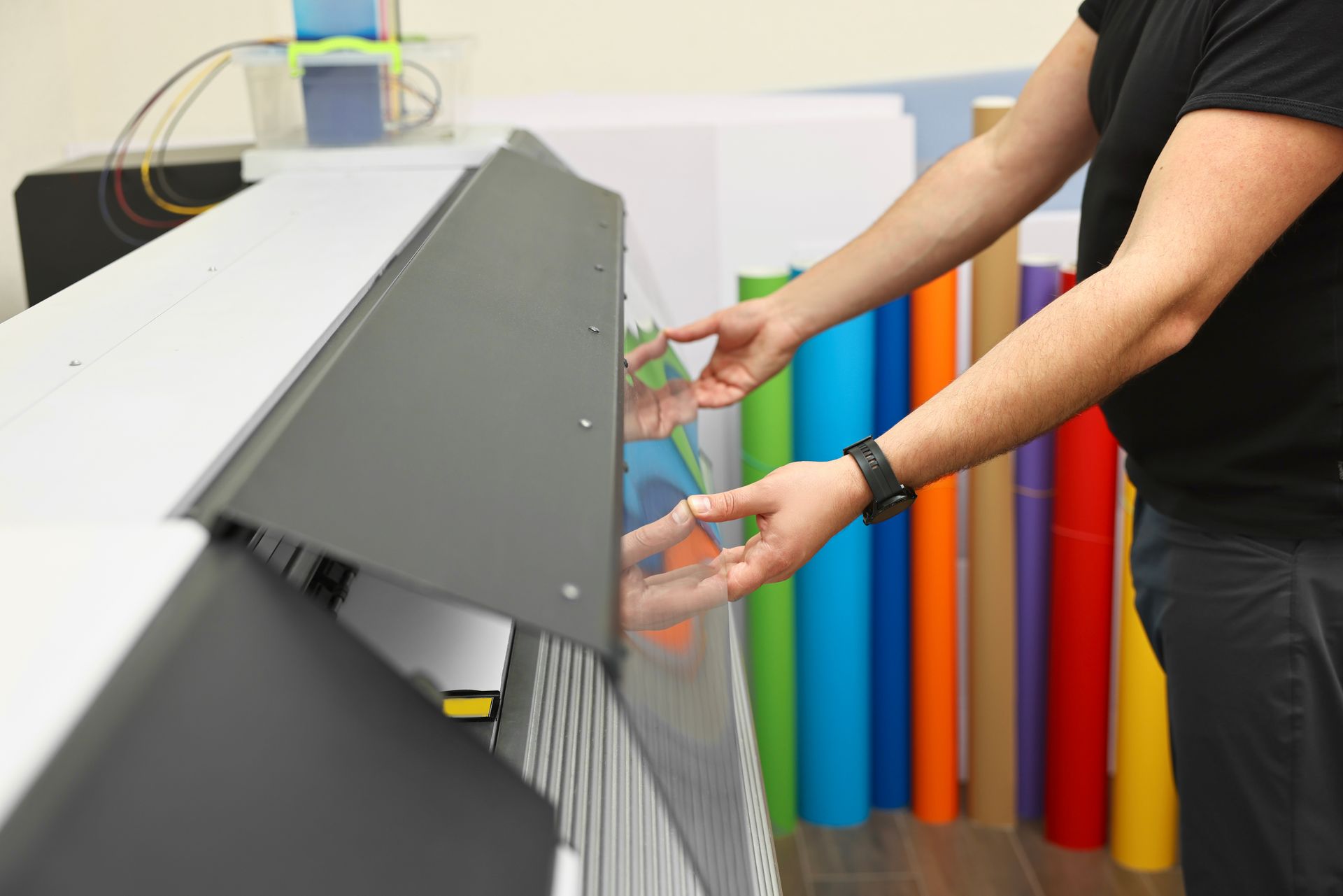
Vinyl is a go-to substrate for banners, window decals, vehicle graphics, and outdoor signage. It holds up well against East Tennessee's humid summers and winter ice storms. For exterior applications, UV-resistant laminate may be added to protect against fading.
Rigid Substrates
Foam board, corrugated plastic (Coroplast), and aluminum composite panels are common for signs, trade show displays, and real estate boards. These materials offer a stiff, professional finish for indoor or outdoor use depending on thickness and coating.
Fabric and Specialty Materials
Fabric printing is popular for event banners, retail displays, and branded tablecloths. Specialty substrates like magnetic sheets, canvas, and synthetic papers round out the options at most full-service shops.
How to Prepare Your Artwork for Digital Printing
Good file prep is the single most effective way to avoid costly reprints.
Set up bleed and safe zones. Bleed refers to artwork extending beyond the trim edge, usually by 0.125 inches on each side. Keep important text and logos at least 0.125 inches inside the trim line to prevent them from being cut off during finishing.
Use the correct color mode. Monitors display color in RGB, but commercial printers use CMYK. Colors can shift when an RGB file is converted during printing. Build your design in CMYK from the start or request a color proof before a large run.
Outline your fonts. Converting text to outlines prevents font substitution errors if the print shop does not have the same typeface installed.
Check your image resolution. Place all images at 300 DPI or higher at their final print dimensions. Enlarging a low-resolution image does not add pixel detail; it only stretches what is already there.
For more setup guidance, visit the Printing & Design FAQ page.
Common Mistakes Knoxville Print Buyers Make
Local businesses ordering through a digital printing company in Knoxville, TN, often encounter the same preventable issues.
- Submitting web-resolution images pulled from a website or social media post.
- Forgetting to convert RGB colors to CMYK, causing unexpected color shifts.
- Not adding bleed, leaving white edges after trimming on borderless designs.
- Choosing the wrong material for the application, such as standard paper for outdoor use.
- Sending font-heavy files without outlining the text first.
- Skipping a proof review on large or high-quantity orders.
Taking a few extra minutes to review your file before submission protects your budget and keeps your project on schedule.
Partner With a Local Print Expert in Knoxville
Working with a local team rather than an online-only print service gives Knoxville businesses direct communication, hands-on proofing, and faster turnaround for urgent jobs. When a Knoxville Convention Center event or a University of Tennessee game-day promotion is coming up fast, having a nearby shop that knows your brand makes a real difference.
Here at Universal Group Inc., we've served businesses across Knoxville, TN, and East Tennessee since 1981 as a family-owned digital printing company. Our team offers full-color printing, vinyl graphics, apparel printing, and promotional products under one roof. Call (865) 524-3726 or contact the print team online to request a free quote. You can also explore the full range of digital printing services in Knoxville, TN, to find the right solution for your needs.